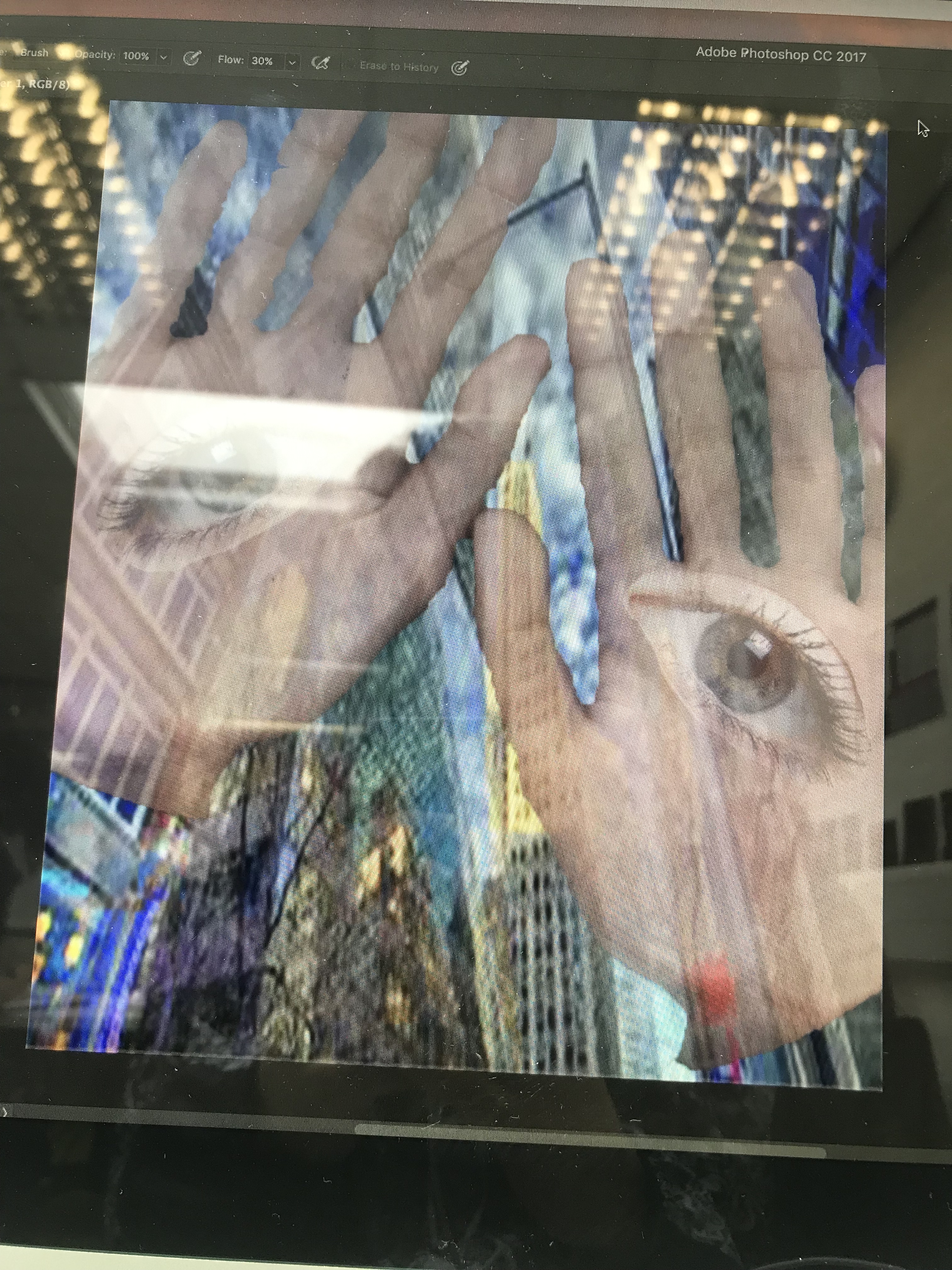
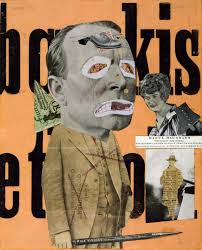
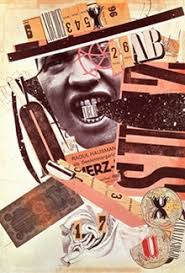
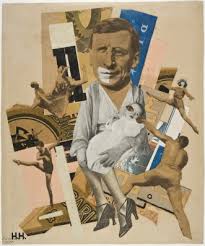
Raoul Hausmann has his own unique way of making a photomontage. I tried to resemble his work as a experimentation and to give me more options on how I can make my final piece.
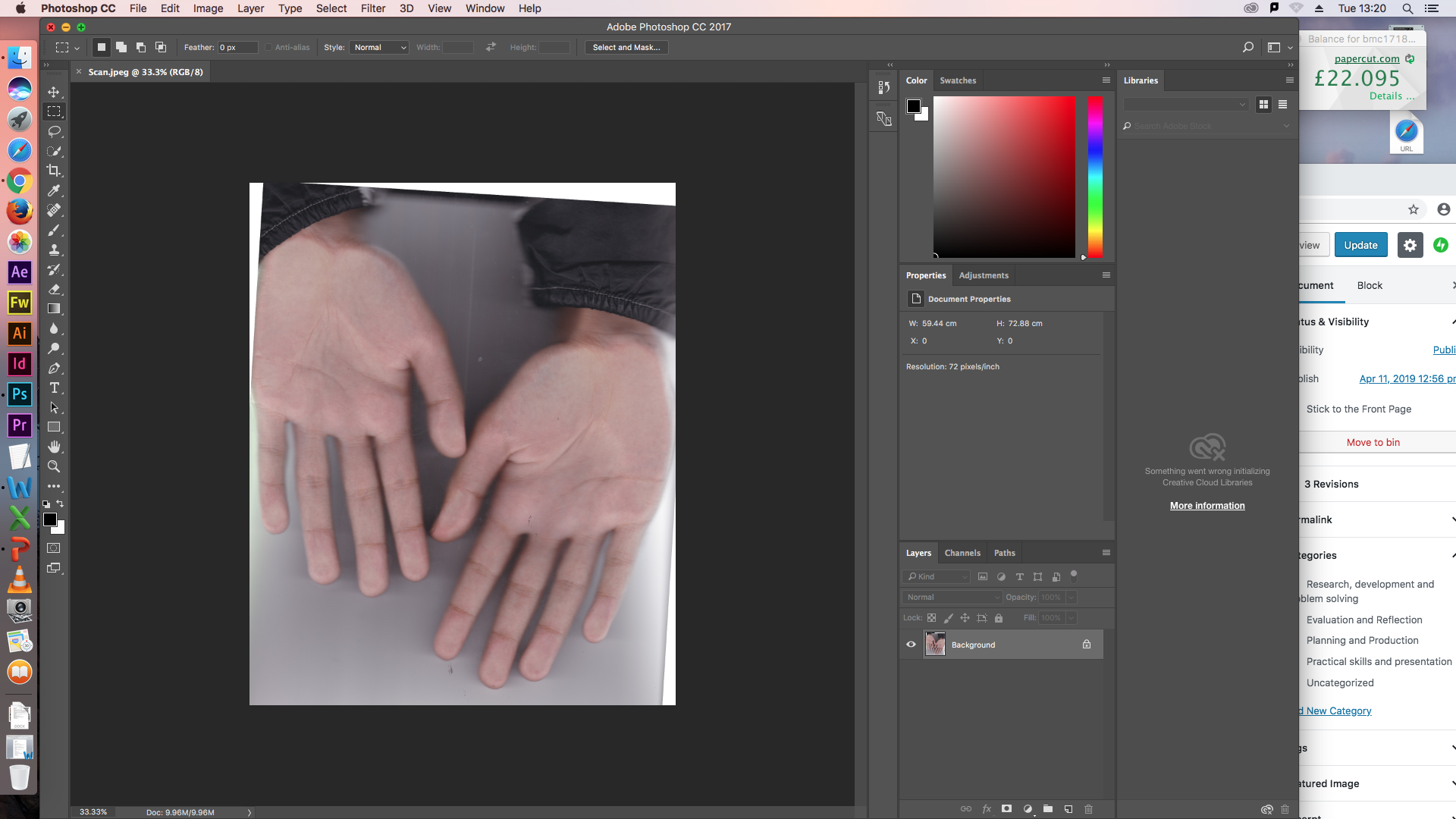
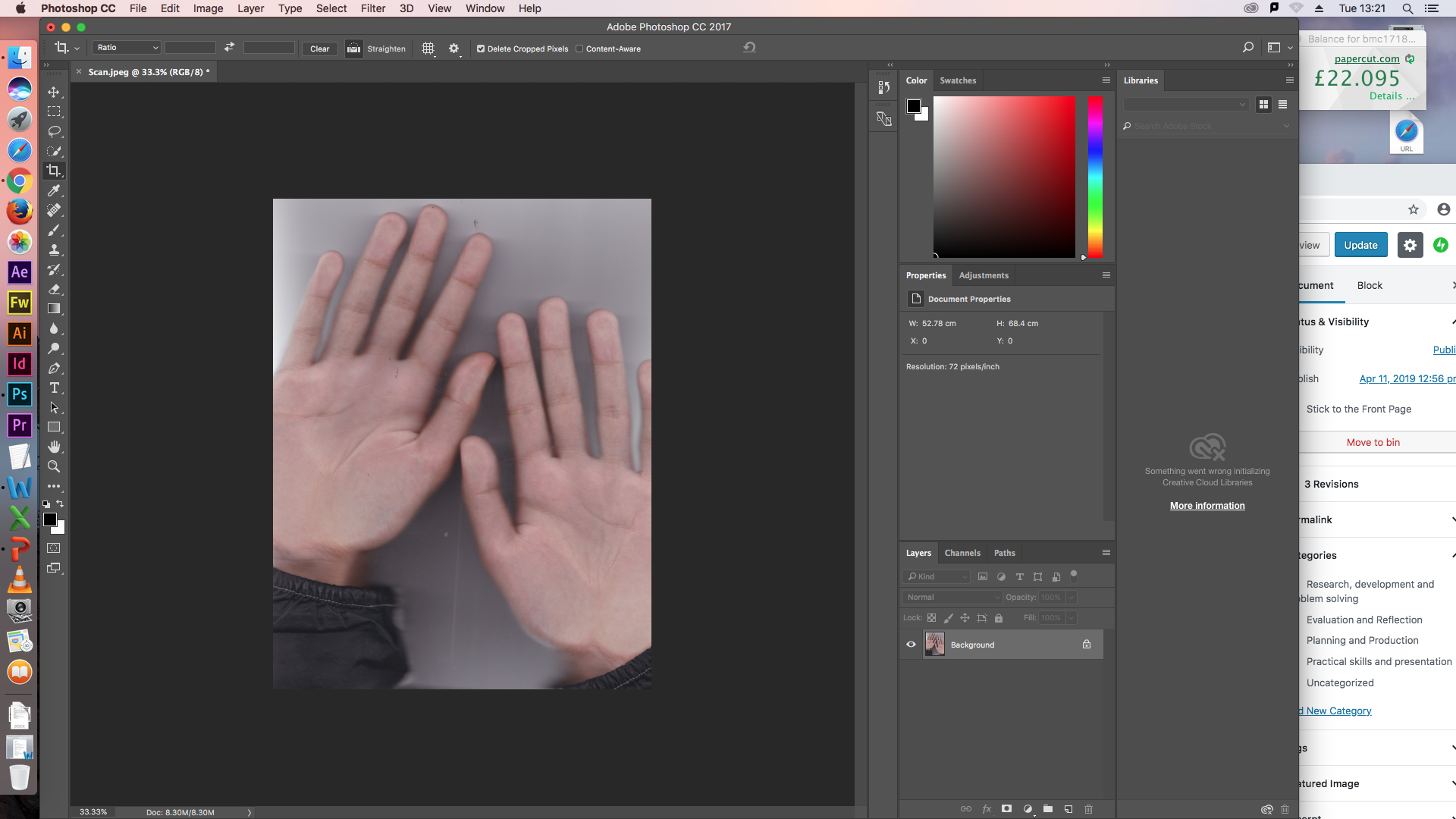
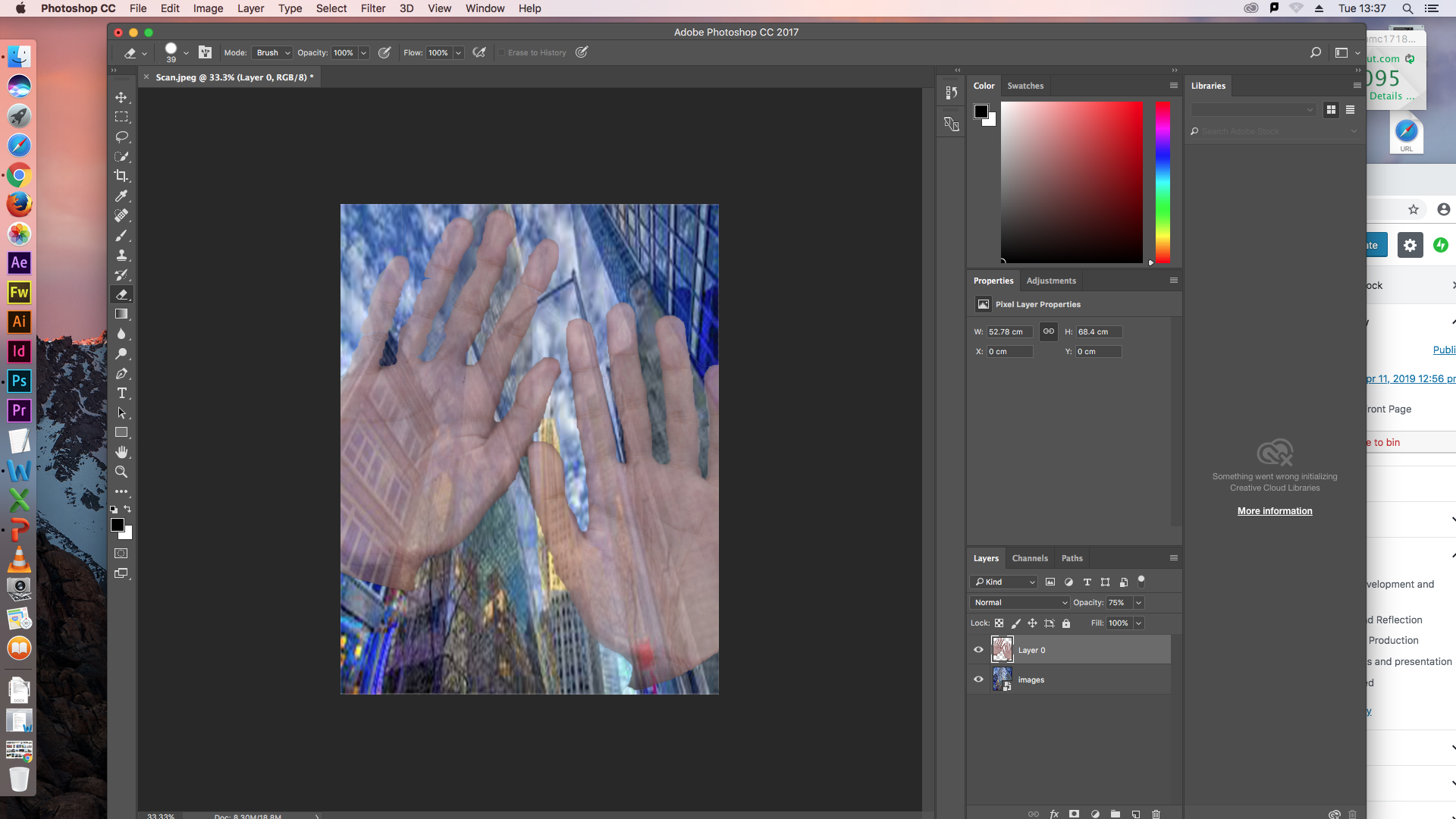
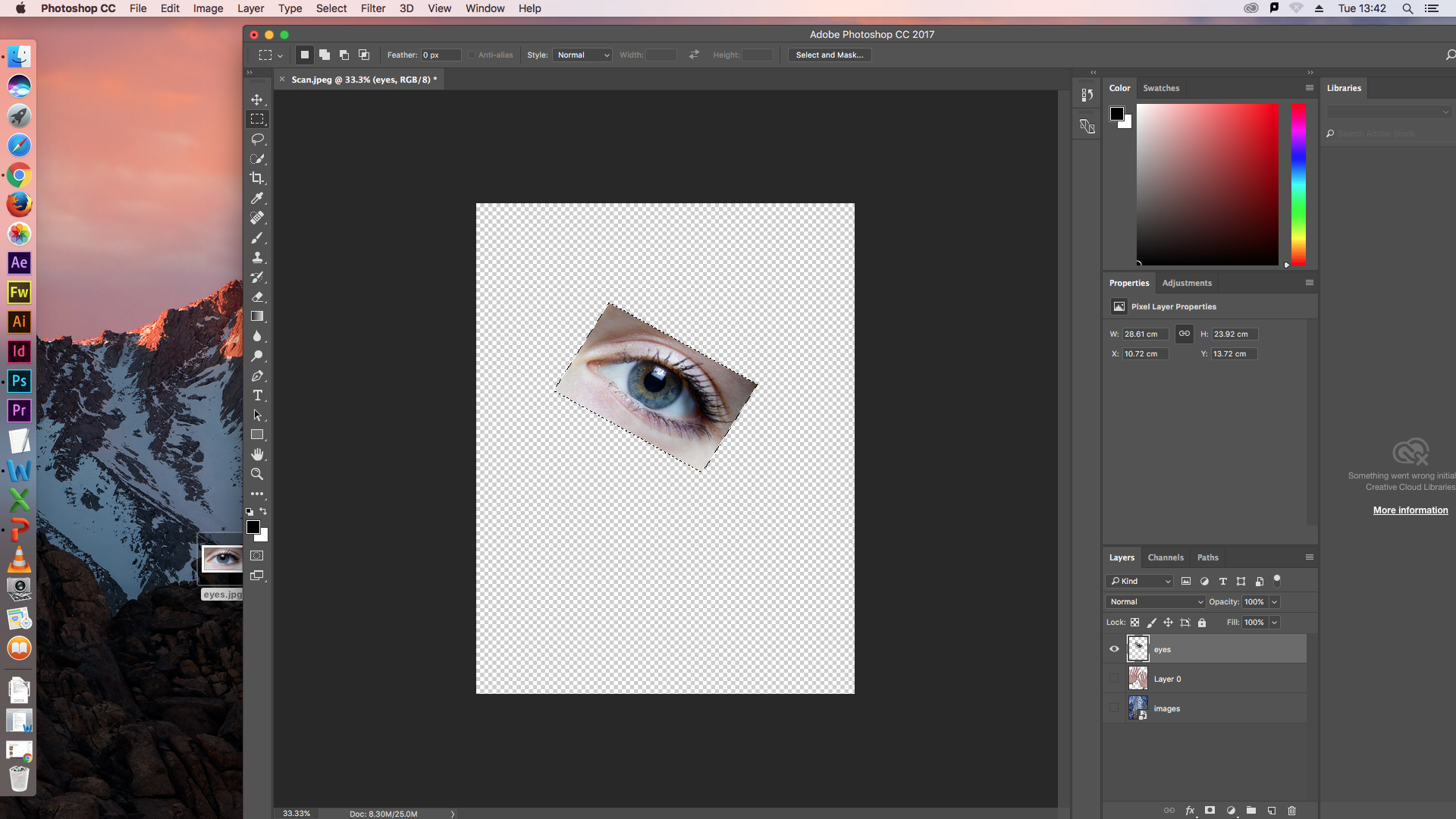
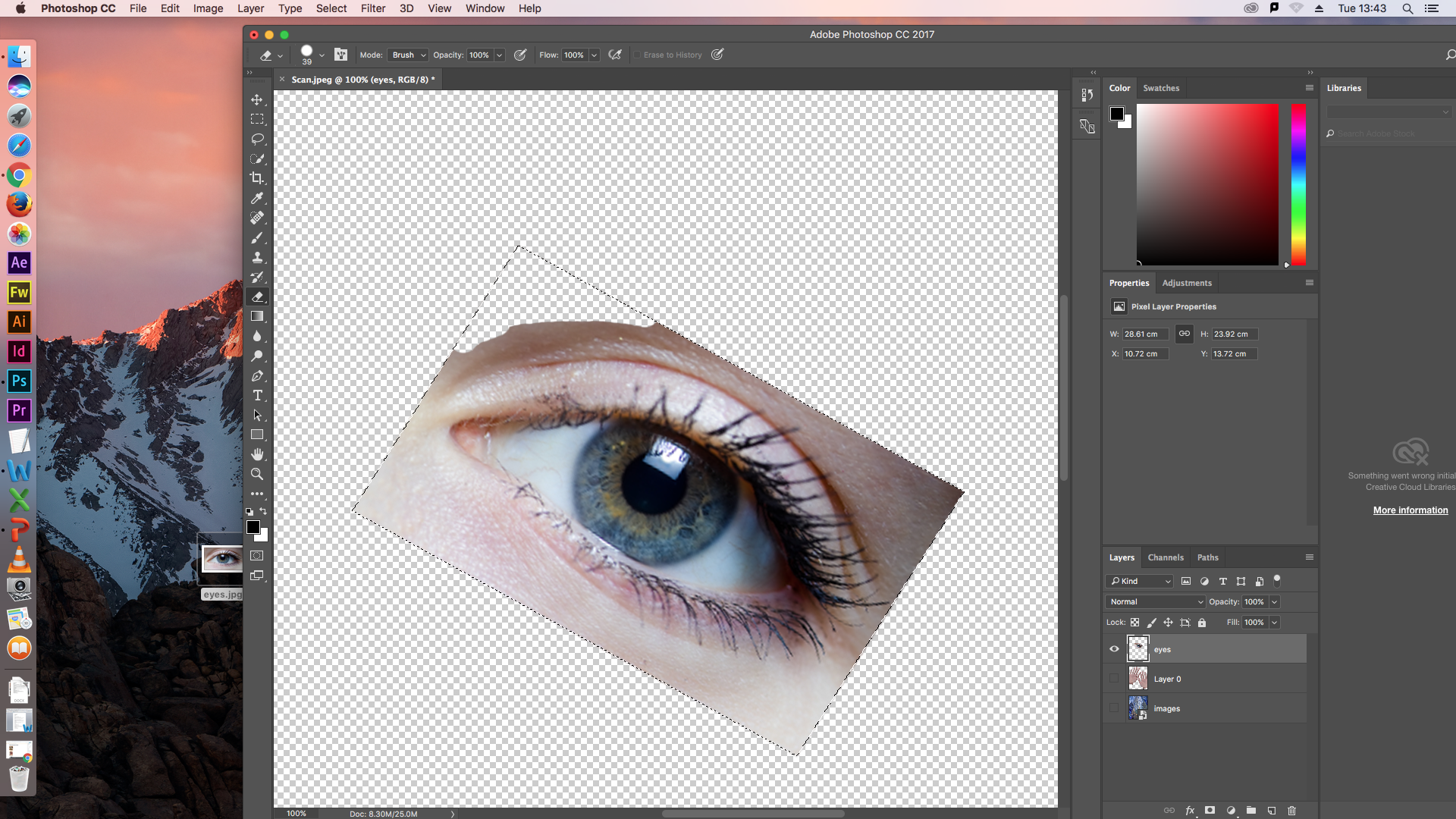
I first used a scanner to scan my hands into photoshop. I then looked for a City landscape image for my background as Hausmann tends to use these types of pictures for his backgrounds. After i found a image of an eye and duplicated it to go on each hand as Hausmann has a photomontage of eyes in hands and I wanted to recreate it. I also changed the Opacity to make the montage more visible and also I used the rubber tool in Photoshop to cut out the eye. I used the Quick Selection Tool to delete the initial background of my hands when i firsts scanned them so I could add the cityscape image as the background instead. My first thought was that as a first attempt it wasn’t bad, to improve it i could’ve chose a better selection and cut out my hands and the eyes more accurately.






 T's Blog